AI app builders compared: what to look for in 2026
Ten criteria for comparing AI app builders in 2026: code ownership, stacks, pricing you can predict, versions, publishing, backends and quality.

By Supacode Editorial · Product and engineering
Contents
Quick answer
- Compare AI app builders on what you keep and what you pay, not on demo videos: code you own, the stacks it writes, predictable pricing, versions you can restore, and how it publishes.
- Run the same small, real task through each builder and judge the result on correctness, accessibility, speed and how easily you can change it.
- Check the backend story early: whose database holds your data, and whether schema changes need your approval.
- Supacode, an AI app builder by Transcend Technologies, is built around these criteria: real HTML, React or Next.js code, visible credit costs, restorable versions and one-click publishing.
Why are most AI app builder comparisons misleading?
Every AI app builder demo looks the same: a sentence goes in, a polished app comes out, the audience applauds. Then you try it on your own idea and the second request breaks what the first one built. The demo measured the easiest five minutes of a product's life.
The category has grown fast. Lovable, Bolt, v0, Replit, Base44 and others all turn prompts into running software, and new entrants arrive monthly. Meanwhile AI is now ordinary in software work: in Stack Overflow's 2024 Developer Survey, 76% of respondents said they were using or planning to use AI tools in their development process. The question is no longer whether to build with AI but which tool deserves your project.
This guide doesn't crown a winner — prices and features change too often for that to stay true. It gives you criteria you can check yourself in an afternoon, and shows how we answer each one at Supacode, an AI app builder by Transcend Technologies, so you can hold us to the same standard.
An AI app builder is a tool that turns plain-language descriptions into working software — writing the code, running it in a live preview and publishing it — so you change the app by describing what you want.
Do you own the code, and can you leave?
Start with the exit, because it decides everything else. Some builders produce real source files in mainstream frameworks; others produce a proprietary format that only runs inside their platform. The first you can hand to a developer, host anywhere and keep if prices change. The second is a subscription to your own product.
Ask three questions: Can I download the full source? Can I push it to a repository I own? Does it run without the builder? In Supacode the answer is yes to all three: projects are plain HTML, React or Next.js code, any plan can download the code as a zip, and paid plans can push every version to your own GitHub repository. Apps that need a server can be deployed to your own Vercel account.
- Green flag: standard frameworks, zip download, Git push, deploy to a host you choose.
- Red flag: export is missing, partial, or only on the most expensive plan.
Which stacks does it build, and does it choose sensibly?
A restaurant site and a multi-user dashboard should not be built the same way. Static HTML is fast, cheap to host and great for search; React suits interactive apps with a lot of changing state; a server framework such as Next.js is needed for sign-in, saved data, payments and APIs. A builder that uses one heavy stack for everything makes simple sites slow and complex apps fragile.
Supacode builds in all three and can pick for you. Its auto-stack rules choose HTML for websites with pages and content, React for interactive browser apps, and Next.js only when the app needs a server — and you can always override the choice. Our AI website builder for small business and AI Next.js app builder guides show the difference in practice.
Can you predict what each change will cost?
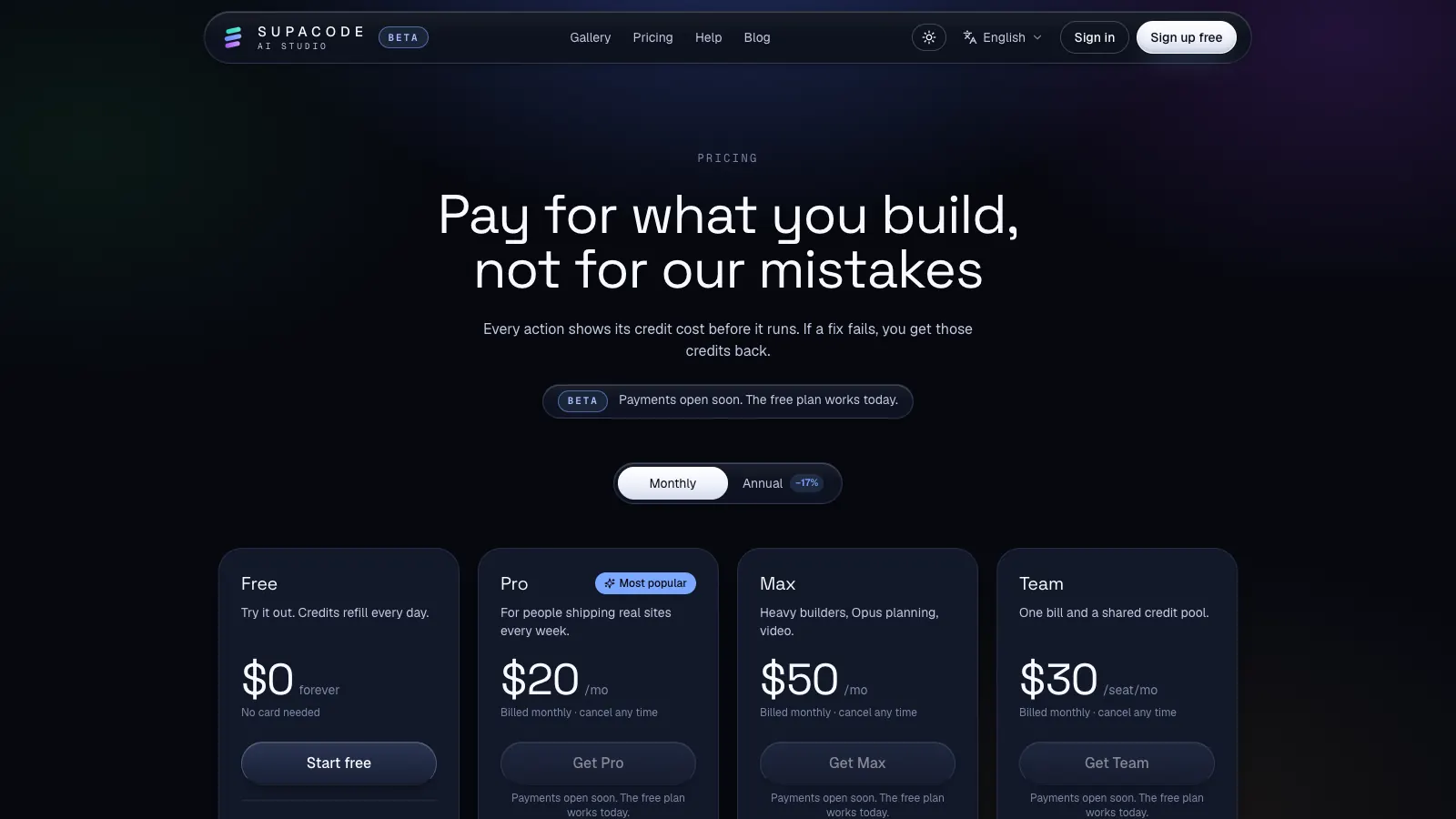
Most AI builders meter usage with credits, messages or tokens, because every AI turn has a real compute cost. That's reasonable. What isn't reasonable is finding out the price after the fact, or paying again when the tool breaks its own work.
Look for three things: the cost shown before an action runs, a refund when the tool's own automatic fix fails, and a free tier that lets you finish something small. Supacode shows the credit cost before every paid action, refunds the credits for a failed automatic fix, doesn't charge twice for an identical request repeated within a few minutes, and has a free plan whose credits refill every day. Current plans and prices are on the pricing page; we don't quote them here because they change.
What happens when the AI gets it wrong?
It will. Even strong models misread a request or fix one thing by breaking another. The difference between tools is how cheap a mistake is to undo.
Ask whether every AI change becomes a restorable snapshot, whether you can compare and restore a single file, and whether you can preview an old version before restoring it. In Supacode every change is saved as a version: you can undo a change, preview an older version, restore one file or the whole project, and publish an older version live. See versions, undo and restore.
How does it publish, and what happens to SEO?
Shipping is where many prototypes stall. Check whether publishing is one click, whether you get a real address and a custom domain, and whether the output is search-friendly: server-rendered or static pages, per-page titles and descriptions, and good Core Web Vitals. Google's thresholds for a good experience are a Largest Contentful Paint within 2.5 seconds, an Interaction to Next Paint of 200 milliseconds or less and a Cumulative Layout Shift of 0.1 or less.
Supacode publishes to your own supacode.app address in one click, keeps the site unlisted until you add it to the gallery, and supports custom domains on paid plans. For multilingual sites, our bilingual SEO guide for Next.js covers the details that matter.
Whose database holds your data?
The moment an app has users, data becomes the hard part. Some builders host a database for you inside their platform; others connect to a database you own. Hosted is convenient; owned is portable and keeps you in control of backups, access and compliance — for example, when a user exercises their right under the GDPR to receive their data.
Equally important: who approves schema changes? An AI that silently alters tables can destroy data. Supacode connects to your own Supabase project, the AI writes database migrations, and nothing runs on your database until you approve it. Supacode keeps the code and its versions; your data stays in your Supabase project.
How do you test the quality of what it builds?
Don't judge on a landing page — every tool makes a good one. Pick a small, real task with an edge case, and give the identical prompt to each builder you're considering. Then score the result yourself.
The best test of an AI app builder is the second request, not the first: ask for one change to a working app and check that nothing else broke.
- Correctness: does the main path work end to end, including the error case?
- Accessibility: can you complete it with a keyboard; do controls have labels? WCAG 2.2 is the reference standard.
- Security basics: are secrets kept out of the browser, and is user input validated? The OWASP Top 10 lists the common failures.
- Changeability: ask for one follow-up change. Did it touch only what you asked?
- Speed and cost: how long did it take, and what did it cost in credits or messages?
Do templates and a community actually help?
A good template is a finished app you can study, run and reshape — faster and cheaper than generating the same thing from a prompt. Look for templates that are complete (real navigation, empty and error states, phone layouts) rather than screenshots with a button.
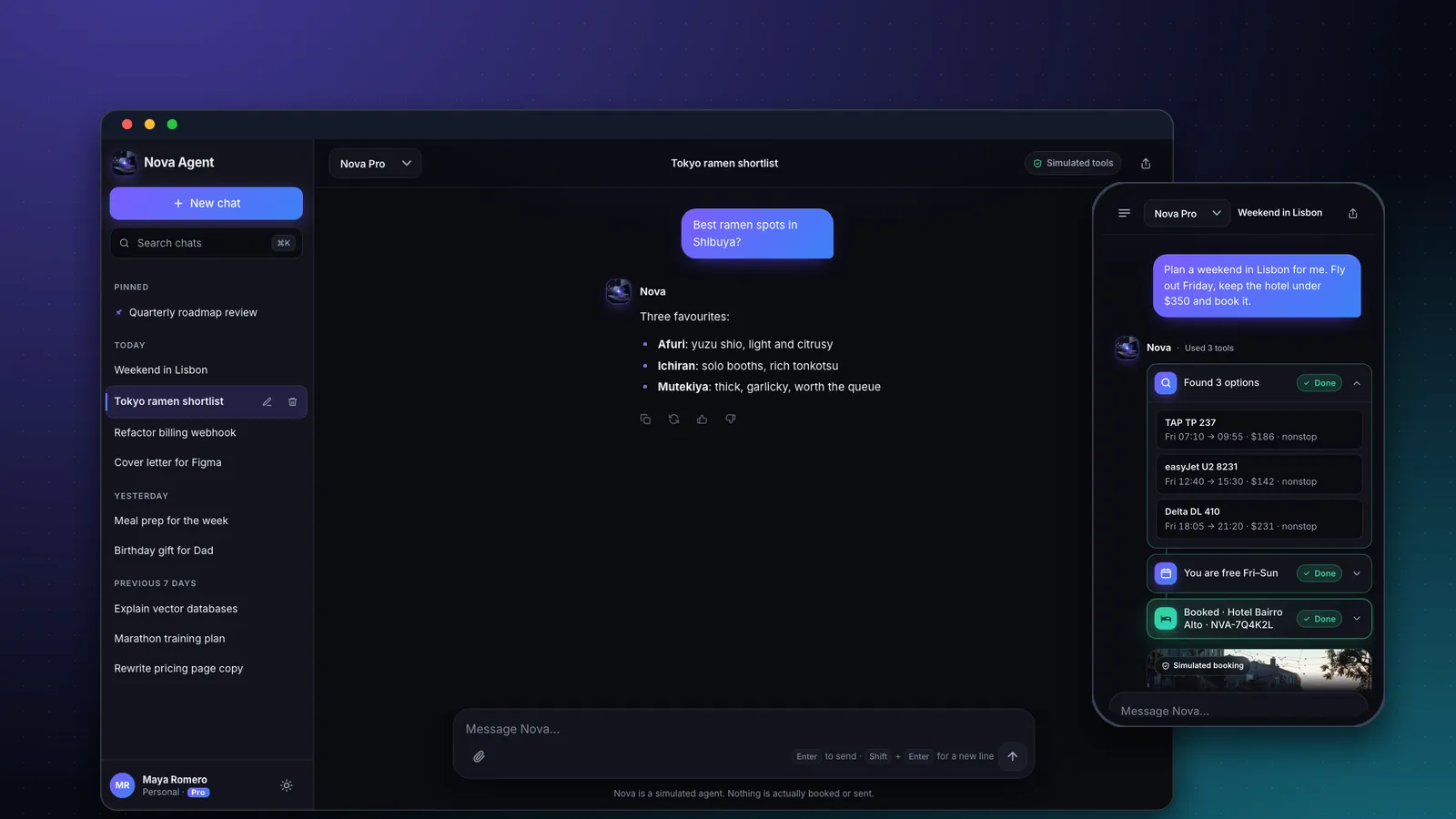
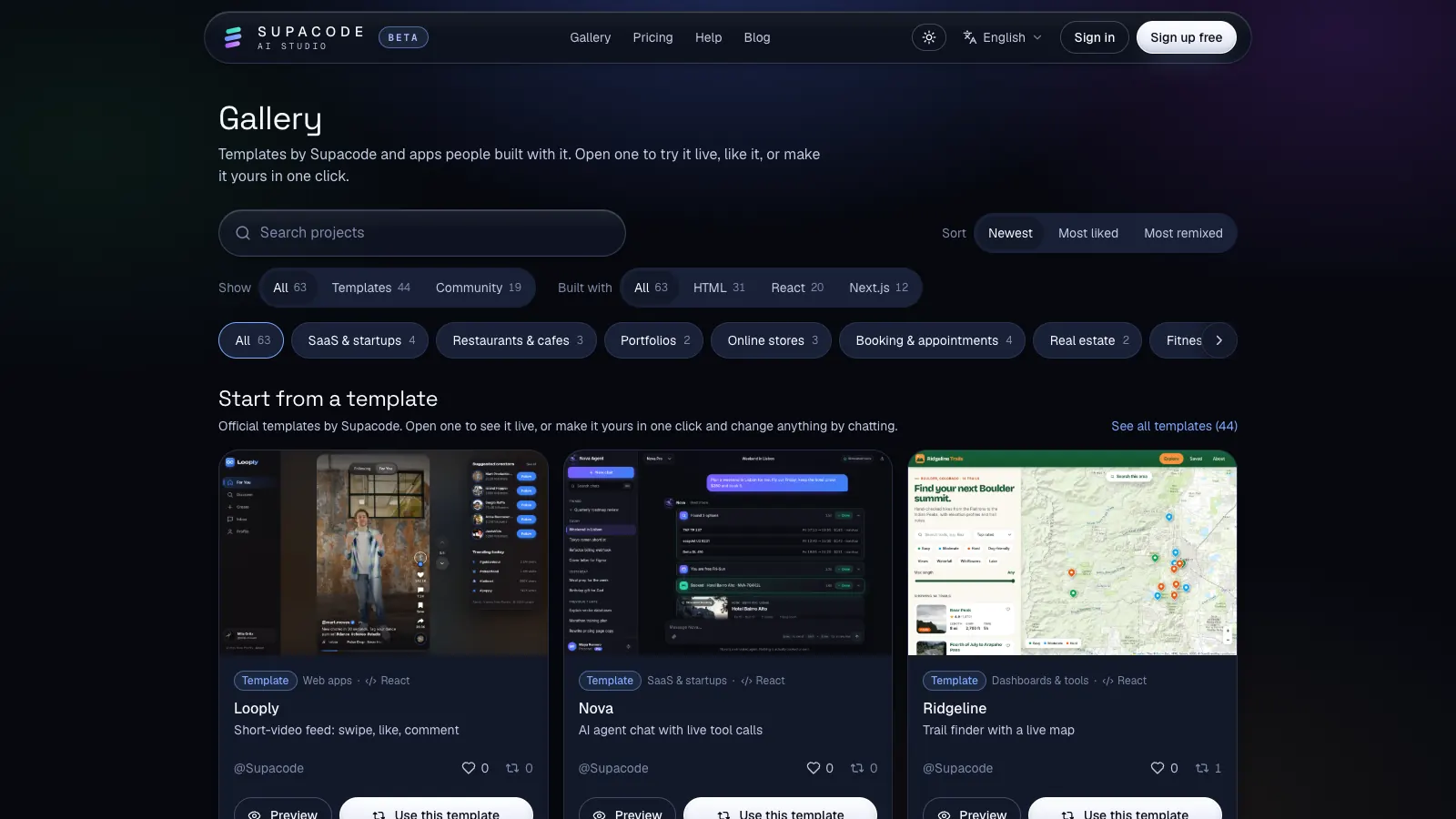
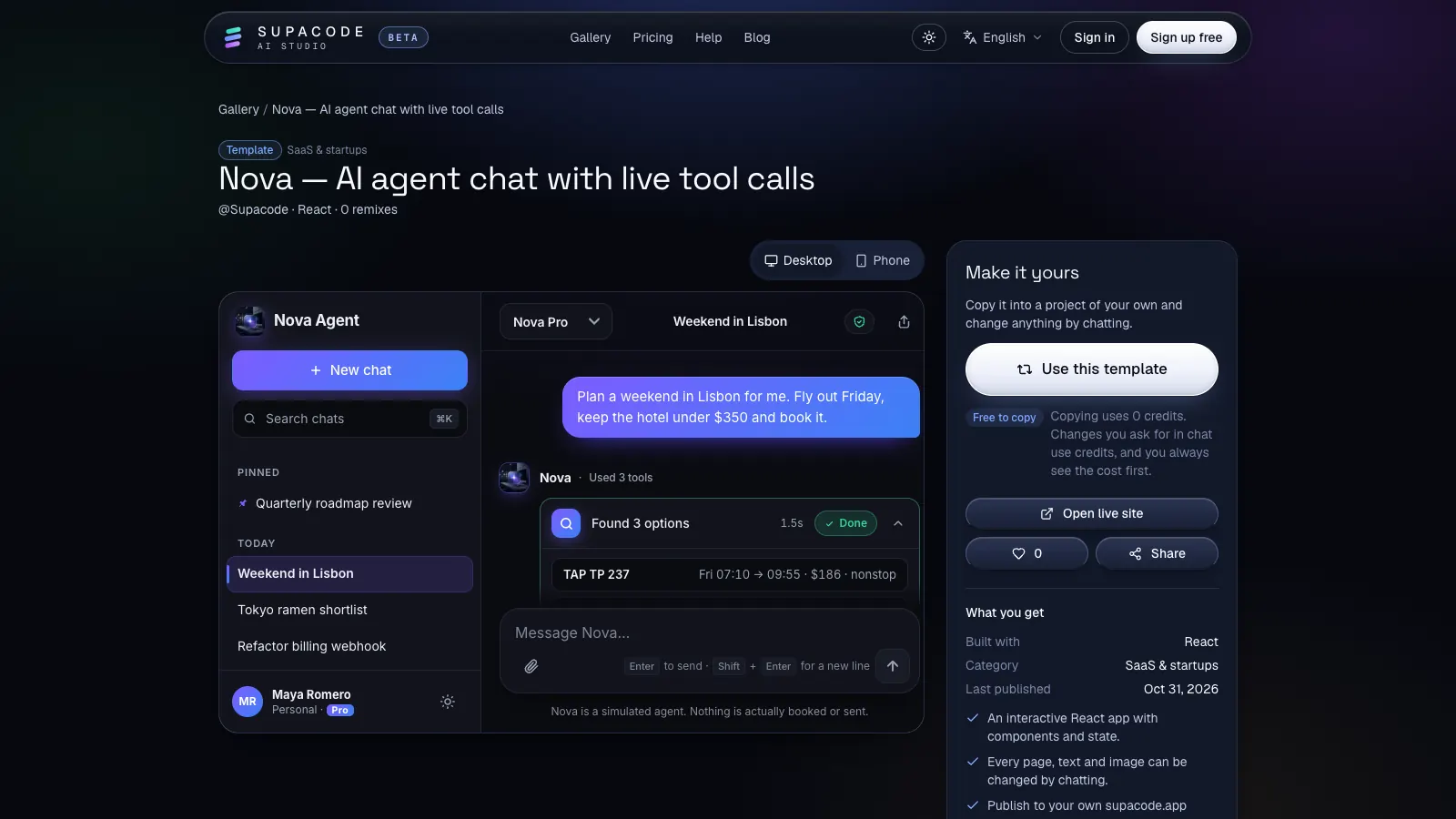
Supacode's gallery has more than forty official templates across HTML, React and Next.js, from Nova, an AI agent chat with simulated tool calls, to Looply, a short-video feed we walk through in how to build a TikTok-style app without code. Copying a template uses 0 credits, and community projects can be remixed the same way.
How should you decide?
Shortlist two or three builders, run the same real task through each, and score them on the criteria above. Weigh ownership and predictable cost heavily; they matter long after the novelty of a fast first draft fades.
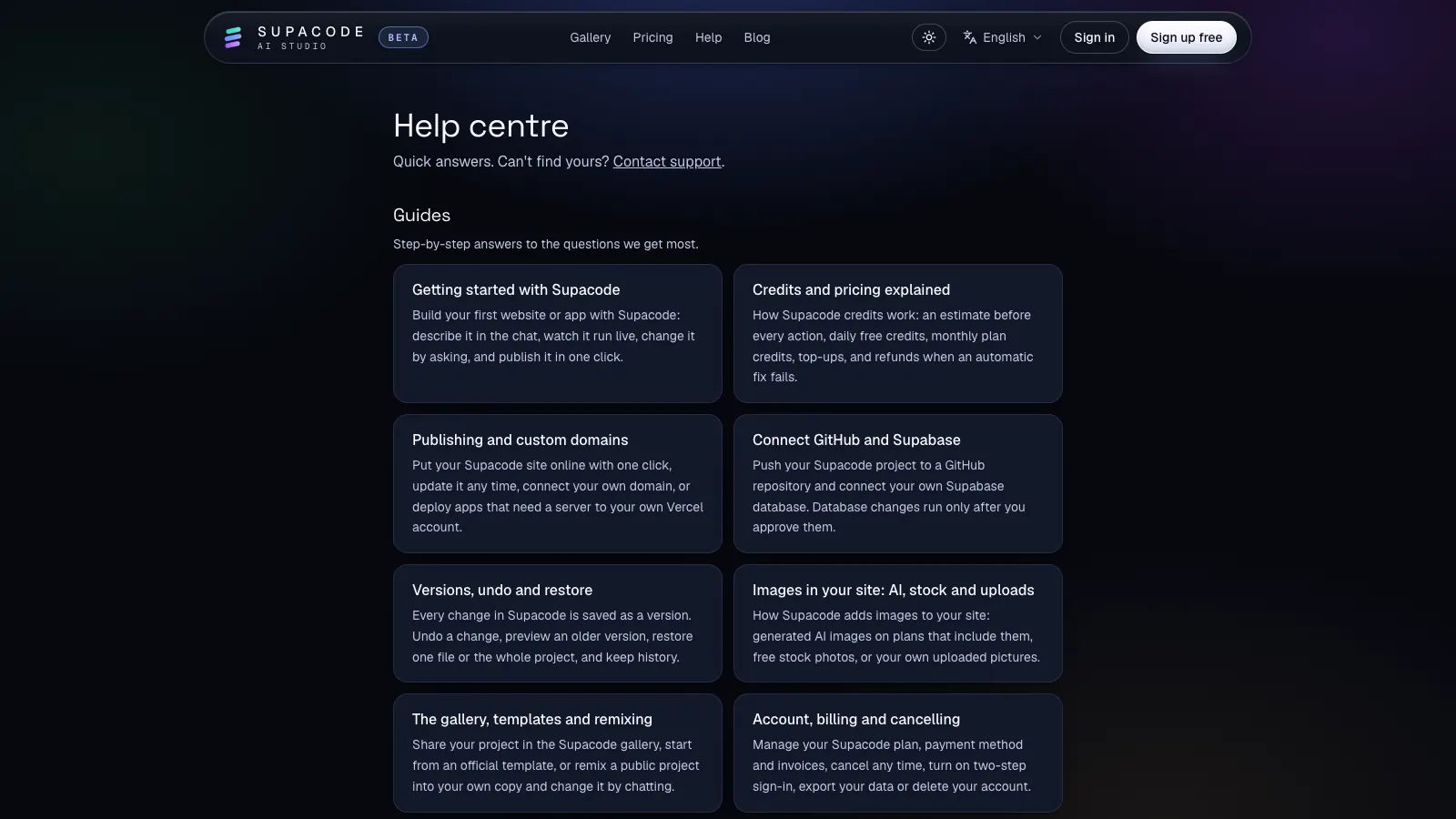
If you want to try the process on Supacode, start with the free plan from the home page, or read getting started first. The help centre answers the practical questions — credits, publishing, GitHub and Supabase, images and billing.
FAQ
Frequently asked questions
What is the best AI app builder in 2026?
It depends on what you're building and what you need to keep. Run the same real task through two or three builders and compare code ownership, stacks, predictable pricing, versions, publishing and quality.
Can I export my code from an AI app builder?
Some builders give you standard source code; others keep it in a proprietary format. Supacode projects are plain HTML, React or Next.js: any plan can download a zip and paid plans can push to your own GitHub repository.
Are AI app builders good enough for production apps?
They can produce production-quality code, but you still review it: test the main path, accessibility and security basics, and keep versions so mistakes are cheap to undo.
How do AI app builders charge?
Most use credits, messages or tokens per AI action. Prefer tools that show the cost before an action runs and refund failed automatic fixes, as Supacode does.
Do I need to know how to code to use an AI app builder?
No, to start. You describe the app and review the result in a live preview. Knowing the basics helps you judge quality and write clearer requests.
Sources
- 2024 Developer Survey: AI · Stack Overflow
- Web Vitals · web.dev (Google)
- Web Content Accessibility Guidelines (WCAG) 2.2 · W3C
- OWASP Top Ten · OWASP Foundation
- Regulation (EU) 2016/679 (GDPR), Article 20: right to data portability · EUR-Lex